11 · Questions
Before you ask.
Does it work with my renderer?
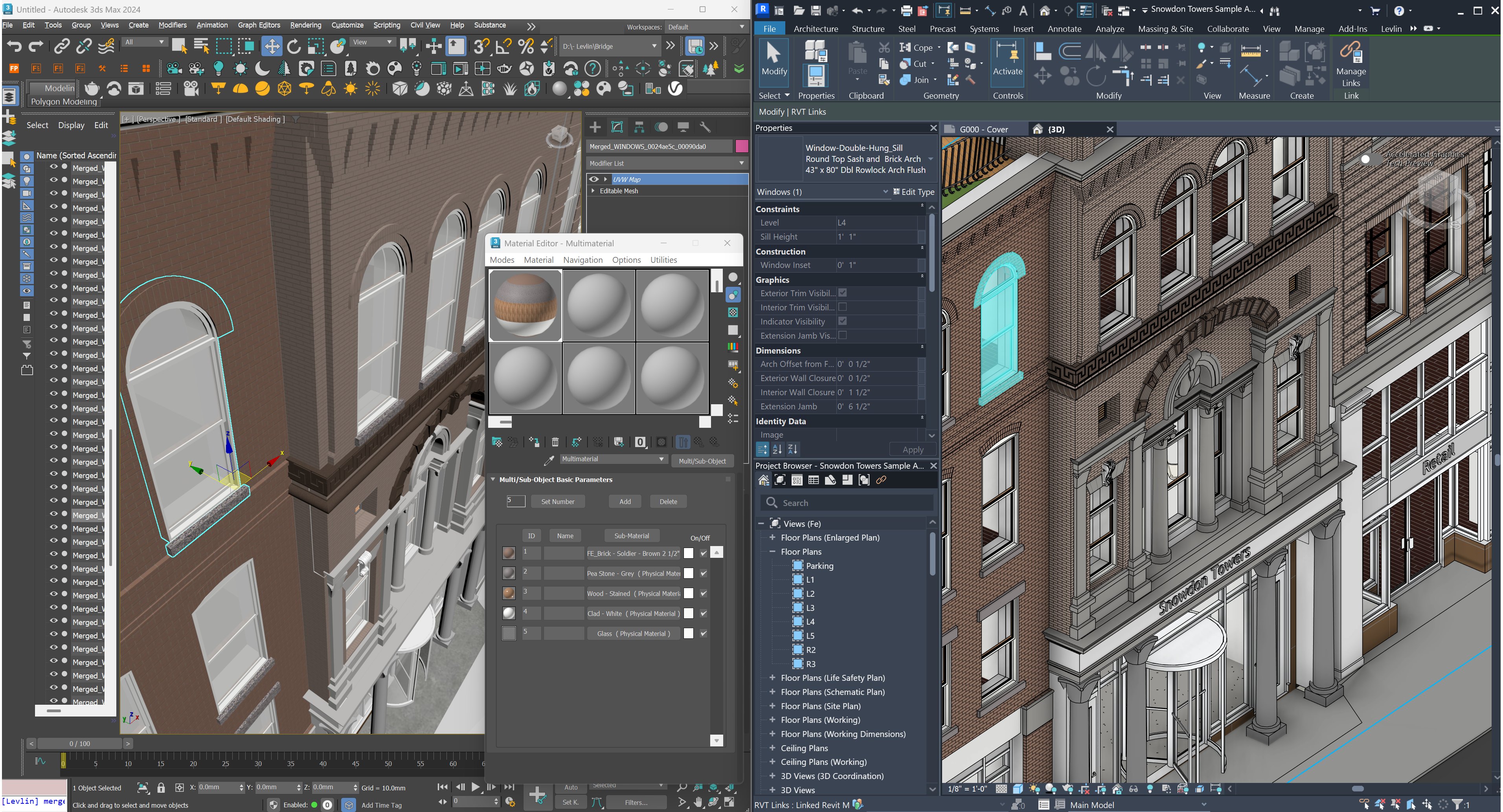
Yes. Levlin Bridge delivers native 3ds Max objects with standard materials, so V-Ray, Corona, Arnold and anything else in Max treat them like objects you modelled yourself. Levlin Bridge never touches your render setup.
Native objects — won’t the scene get heavy?
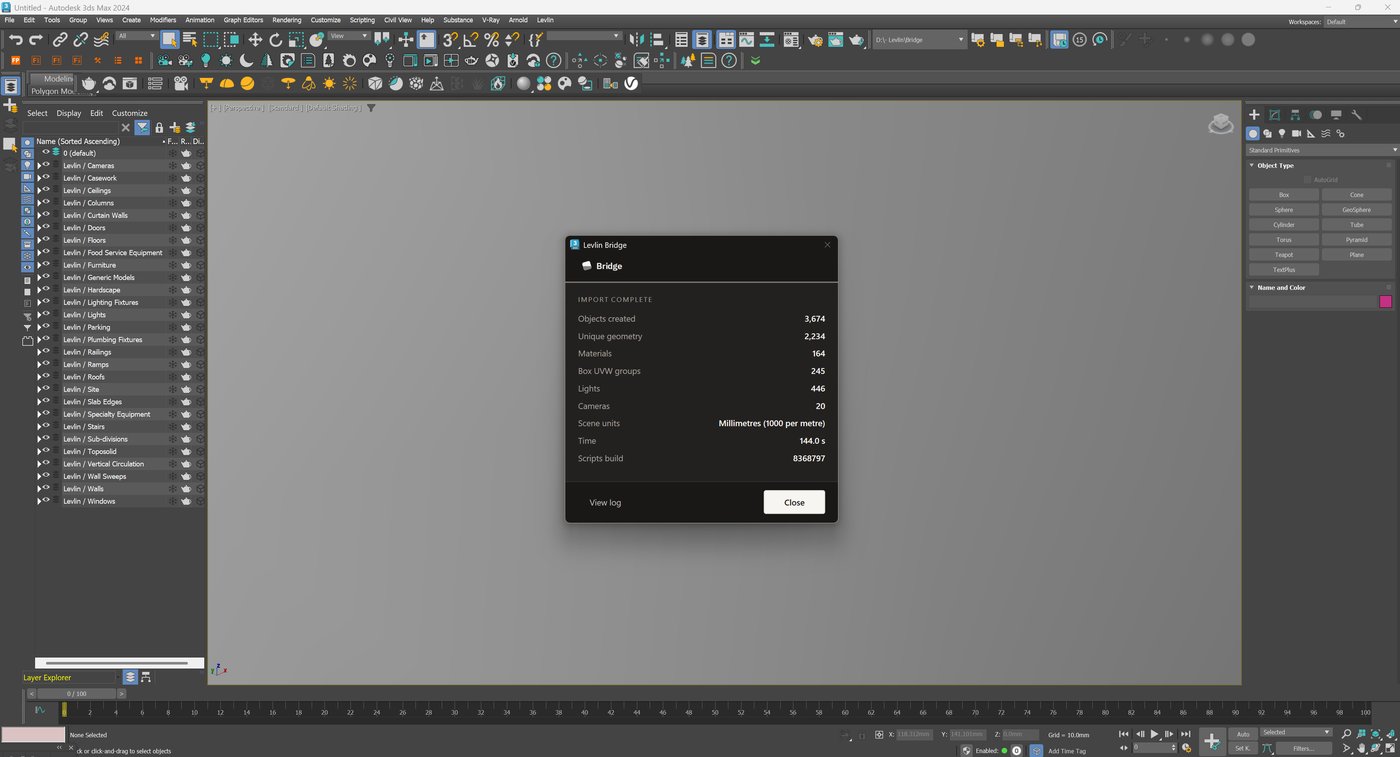
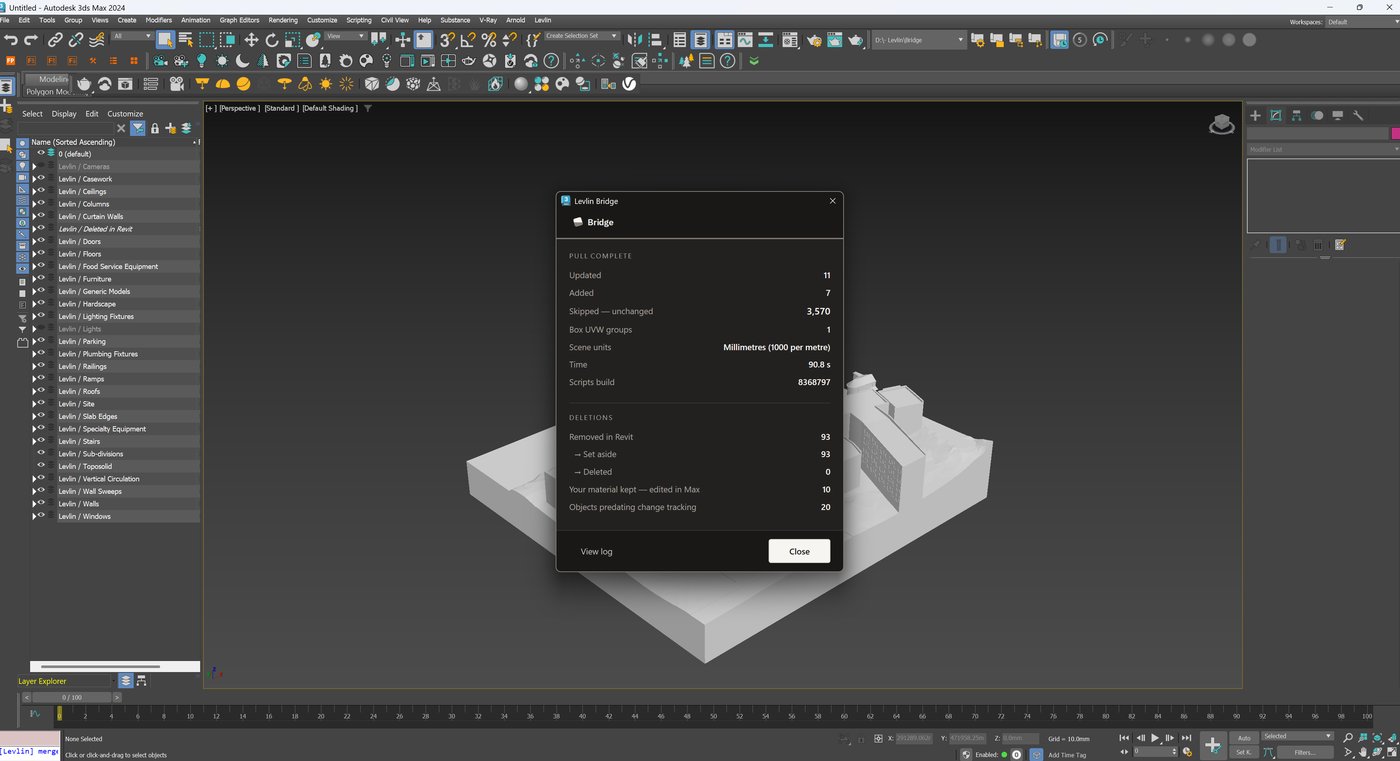
Repeated elements arrive as instances, not copies. In one recorded run, 3,674 objects arrived from 2,234 unique geometries — the rest reference geometry that is already in memory.
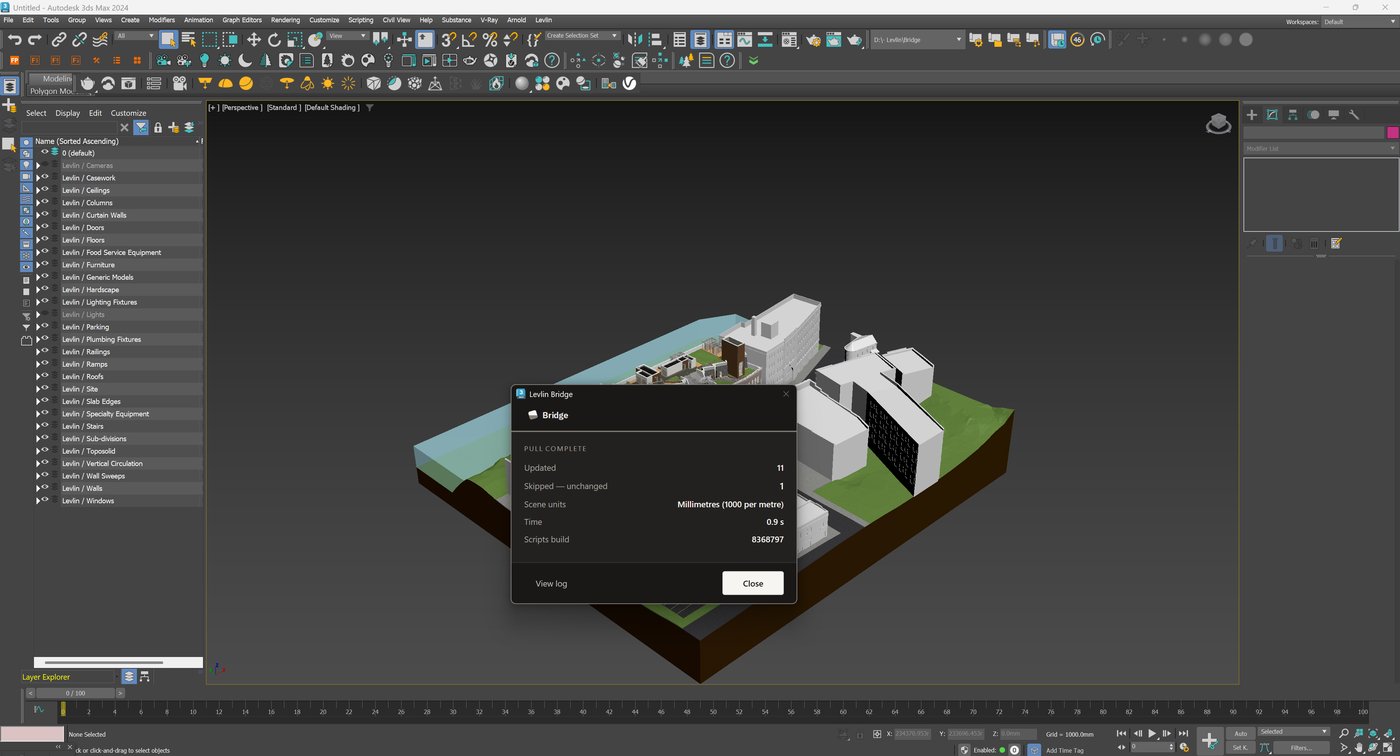
What is the difference between Import and Pull?
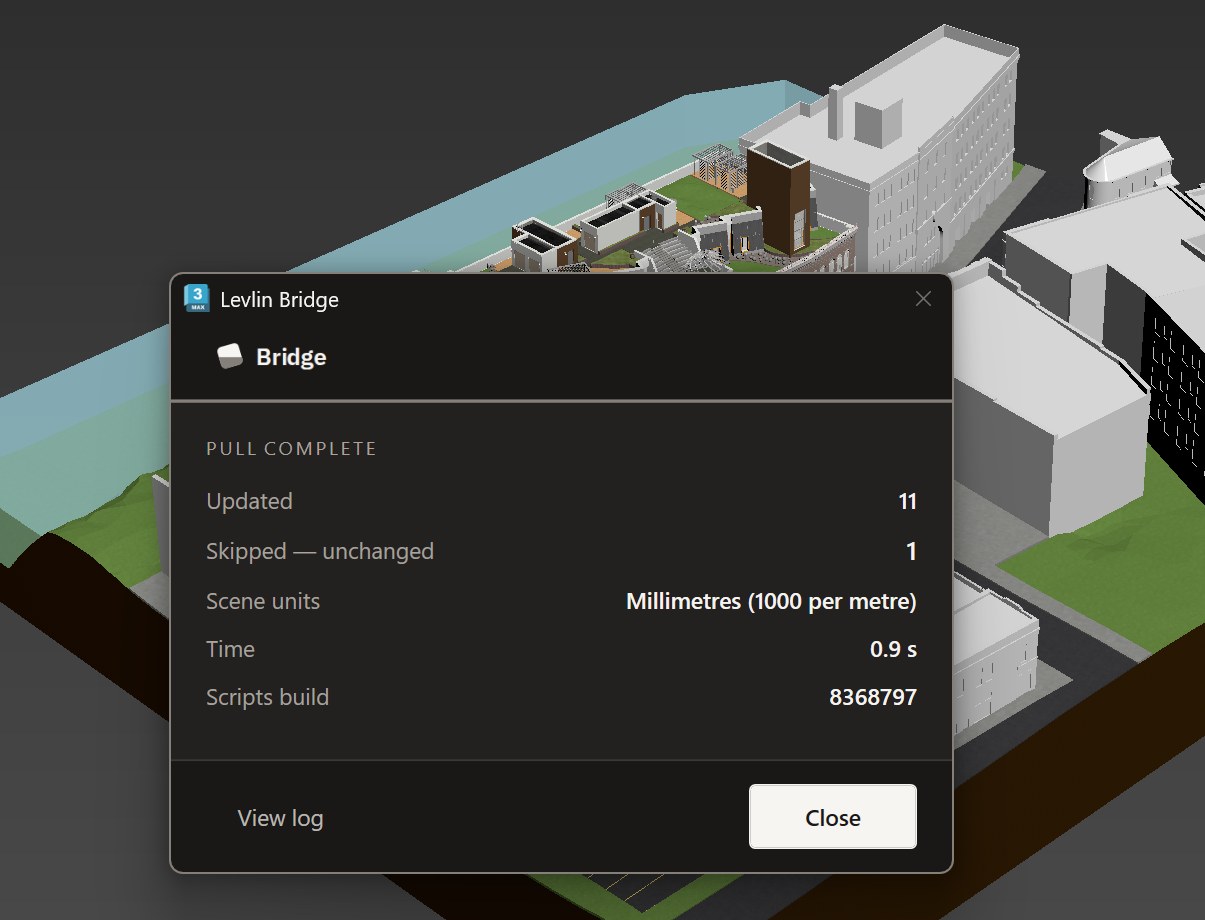
Import brings a model in. Pull keeps it current. You import a model once; after that, every change in Revit reaches your scene through Pull. Import stays available because a scene can take on new models at any time — the site model, the structural model, the building next door. The only thing Levlin Bridge refuses is importing the same model twice.
Can one Max scene hold more than one Revit model?
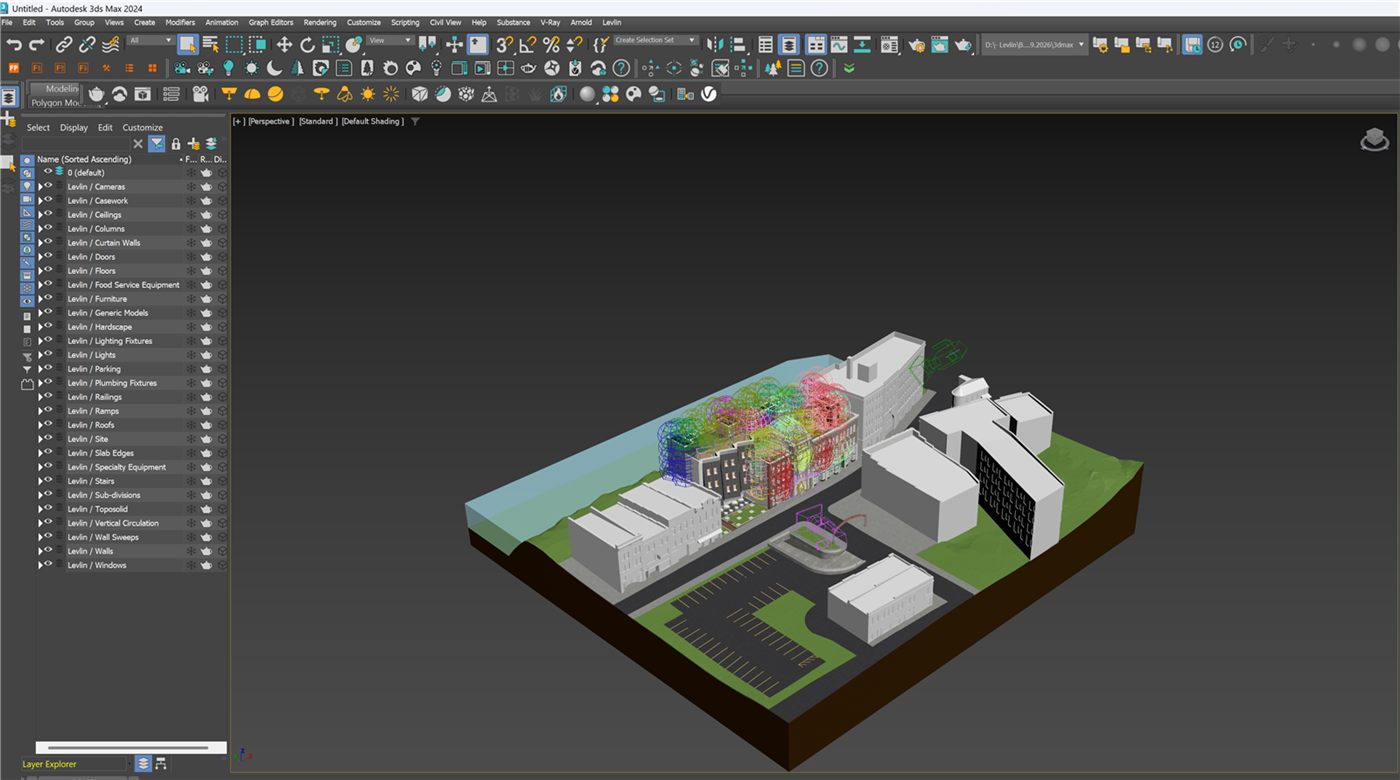
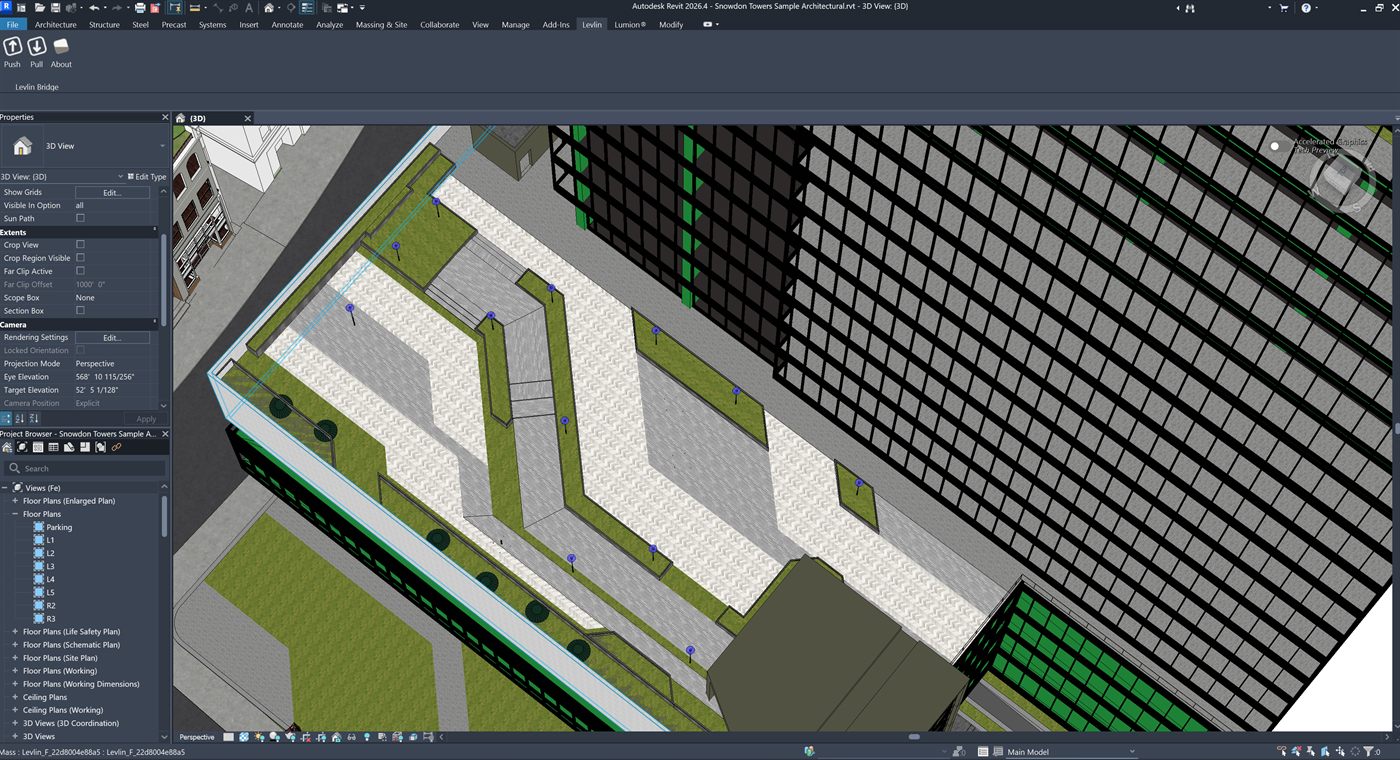
Yes. Each model is imported once and then kept current by Pull. They live side by side in the same scene, each on its own Levlin layers, and none of them has to be rebuilt when another changes.
Do I have to fix UV mapping before I can texture?
No. Levlin Bridge applies real-world UVW at import, so materials land at the correct physical scale straight away — the ones that come across from Revit, and any Max material you swap in afterwards. Two things sit outside that default: scanned materials, which carry their own scale conventions and still need an artist’s pass; and very large surfaces such as a multi-kilometre terrain, which real-world mapping does not suit. Both are handled by bringing that piece in as its own model — see the question above.
What happens to my Max edits when the model changes?
Nothing, unless the element itself changed in Revit. Materials, modifiers and UVW stay exactly where you left them. If you want an object to stop following Revit geometry entirely, claim it — Levlin Bridge then keeps your geometry and only updates its position.
What happens if elements are deleted in Revit?
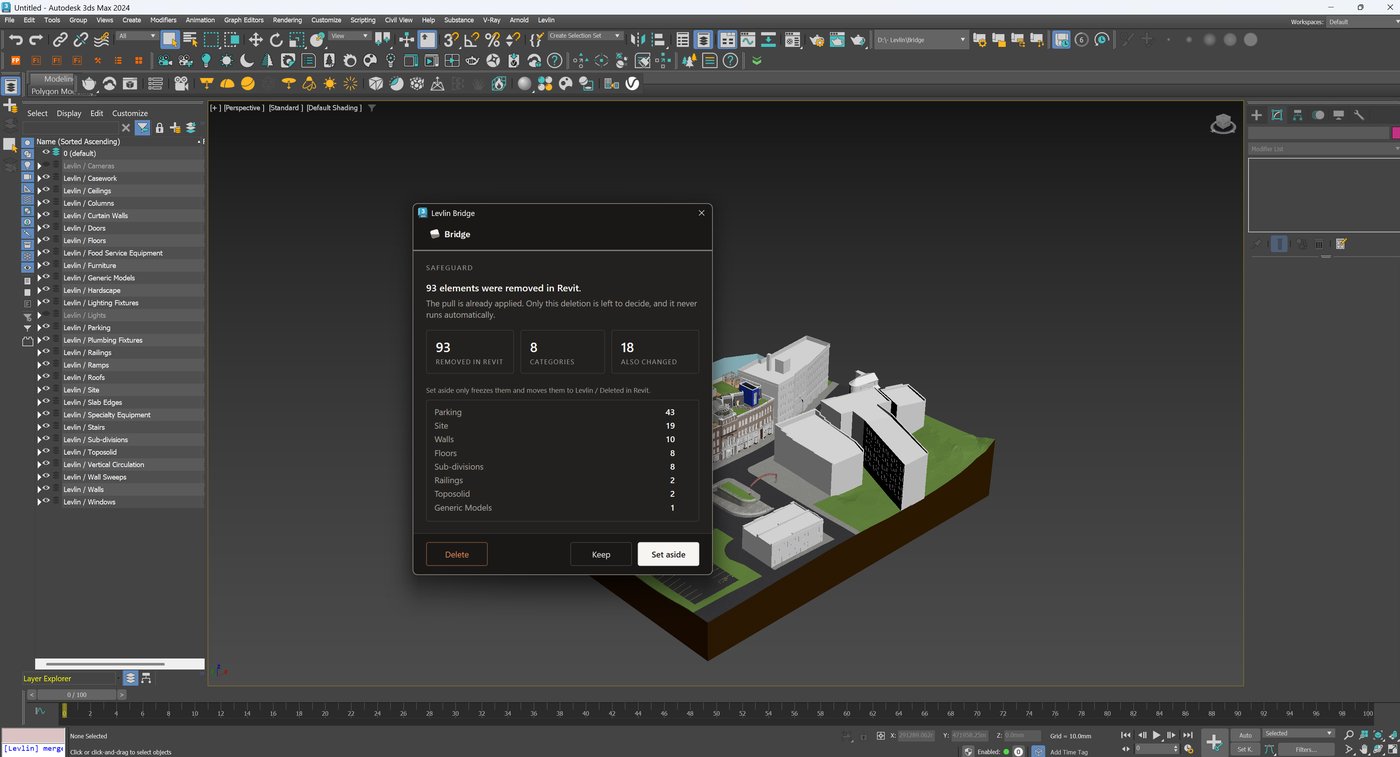
Levlin Bridge stops and asks. Nothing is removed from Max without your answer. Set them aside, and they move to a frozen Levlin / Deleted in Revit layer that mirrors your Revit categories — with their materials, UVW and modifiers still on them. If those elements come back in Revit, the next pull returns the objects to their own layers and unfreezes them automatically. It is a waiting room, not a graveyard.
How do my changes get back to Revit?
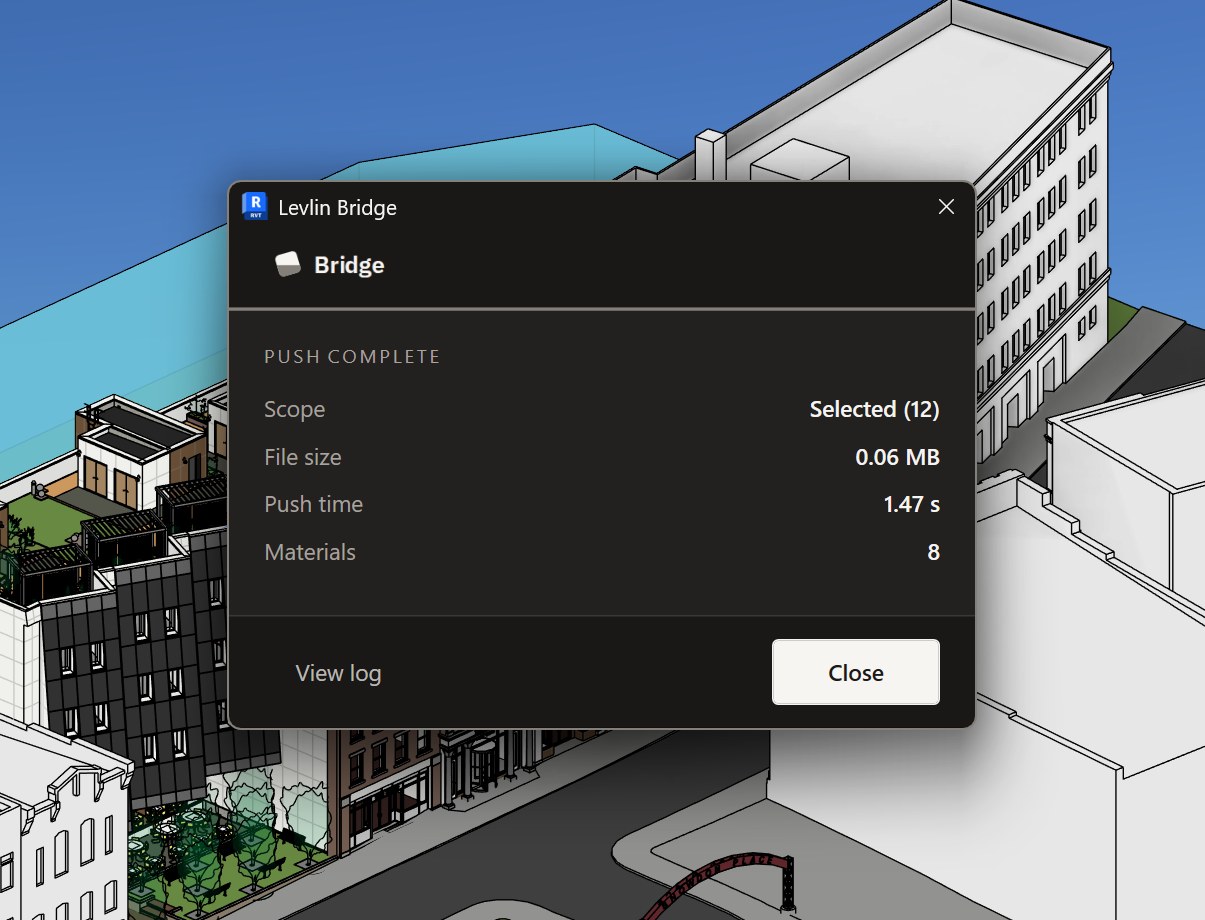
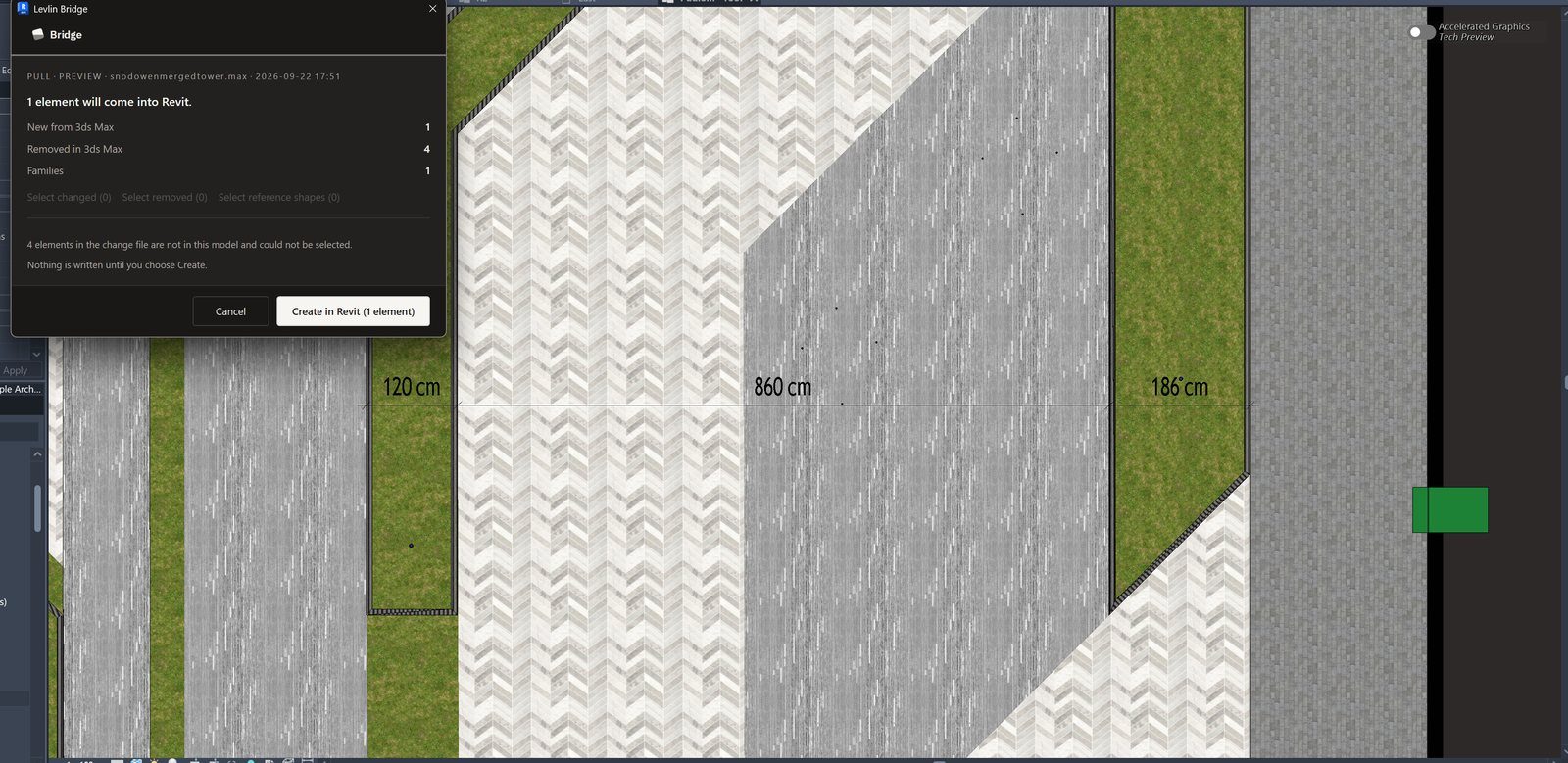
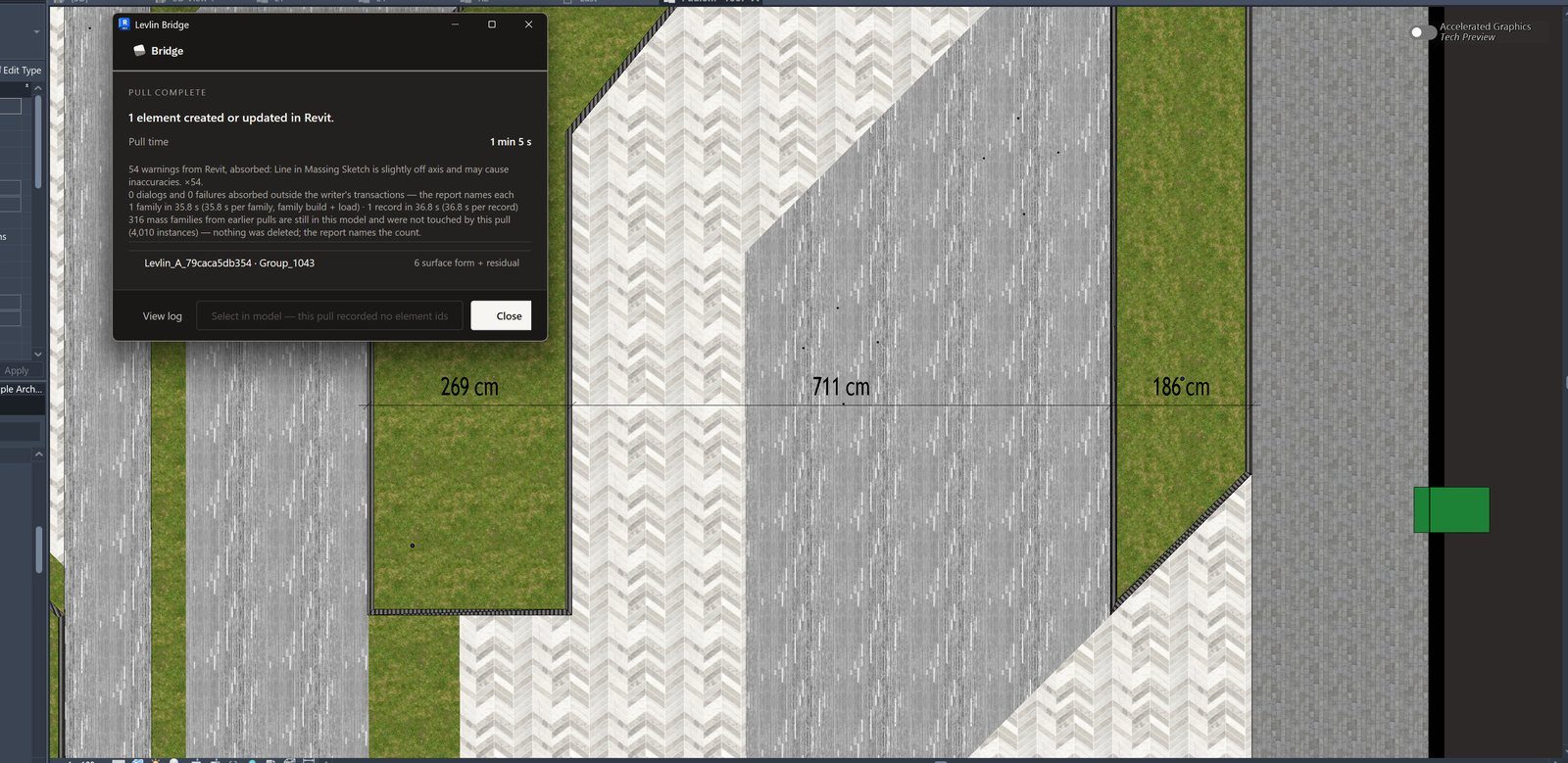
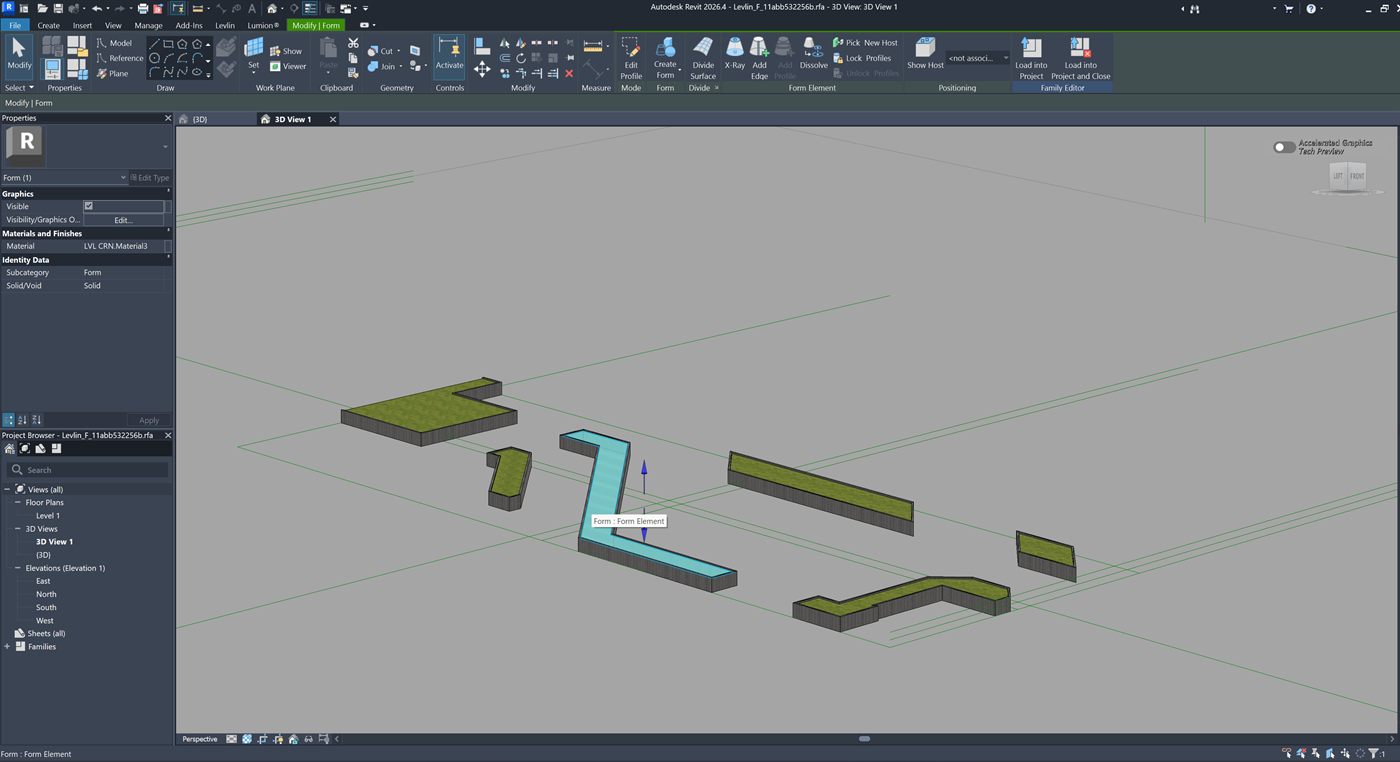
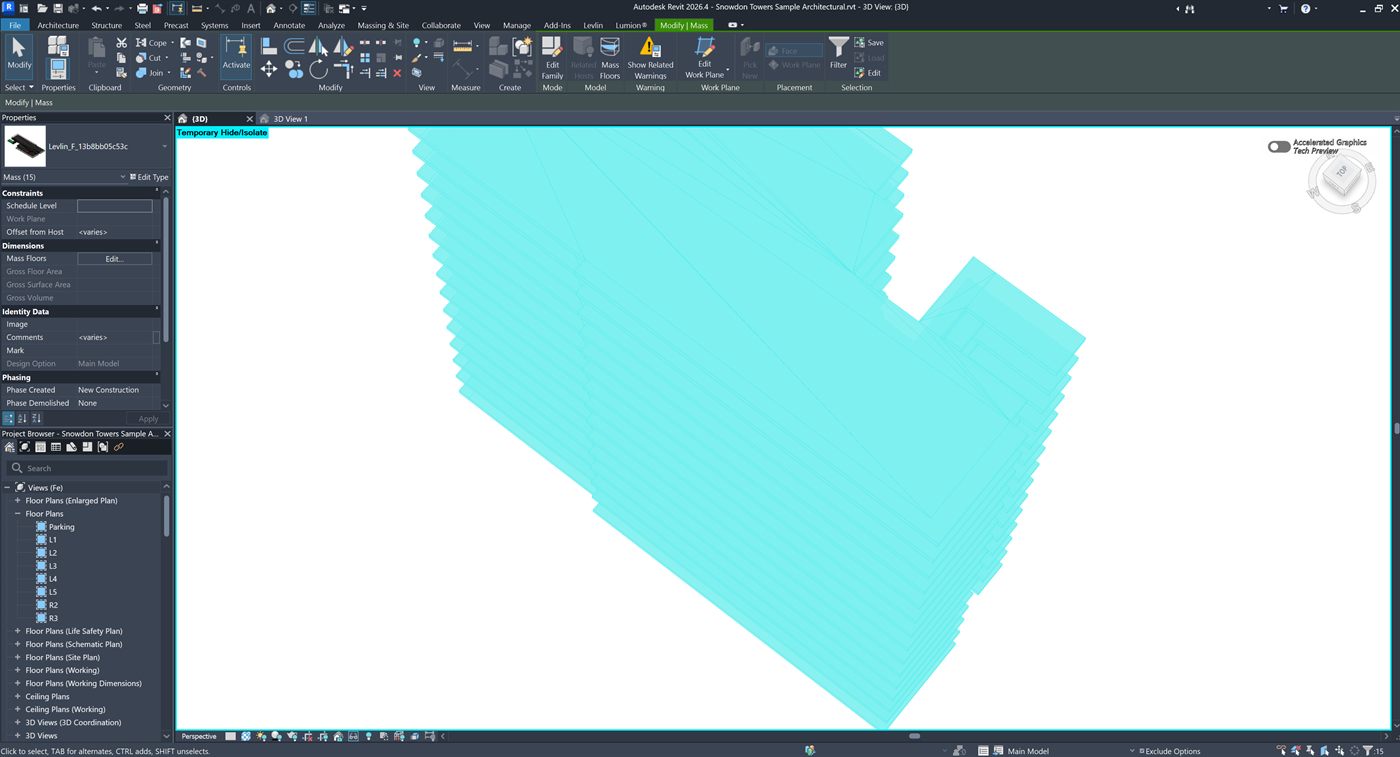
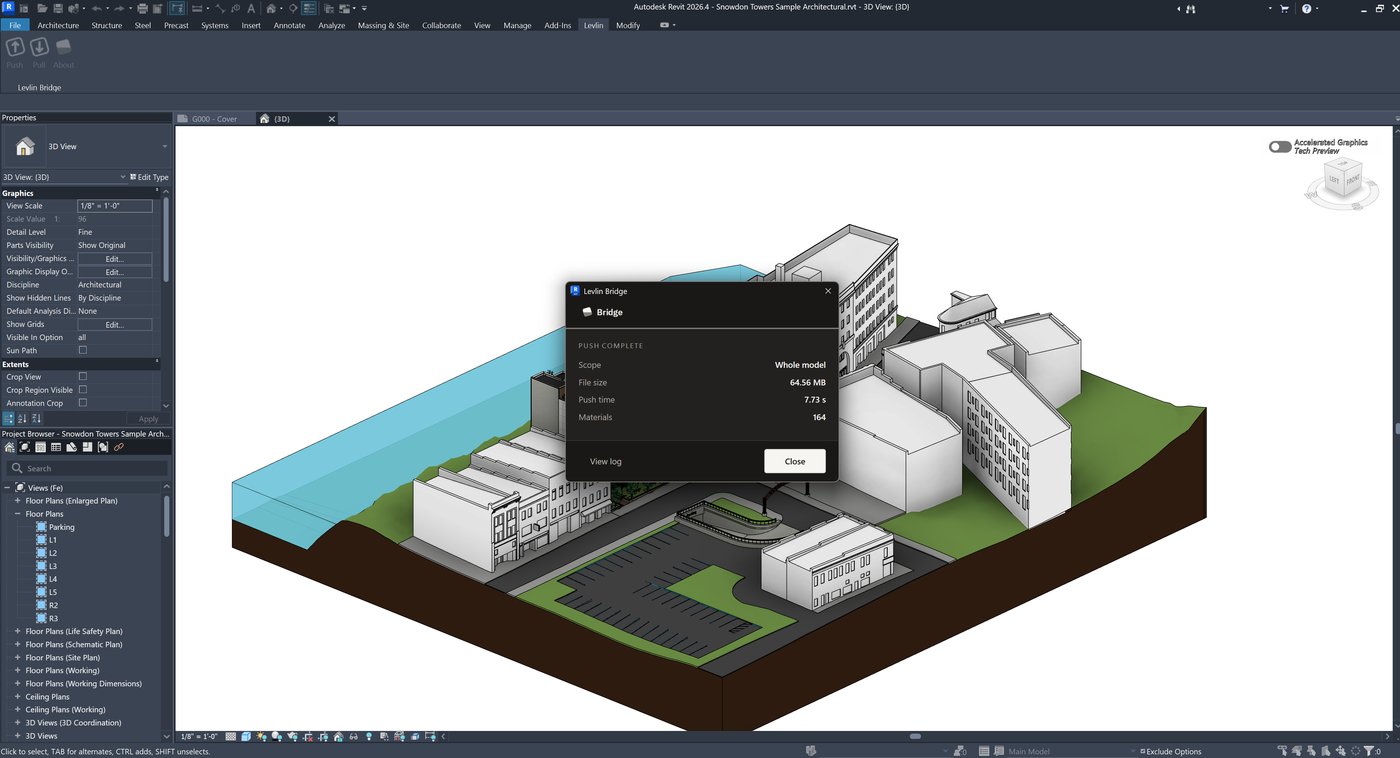
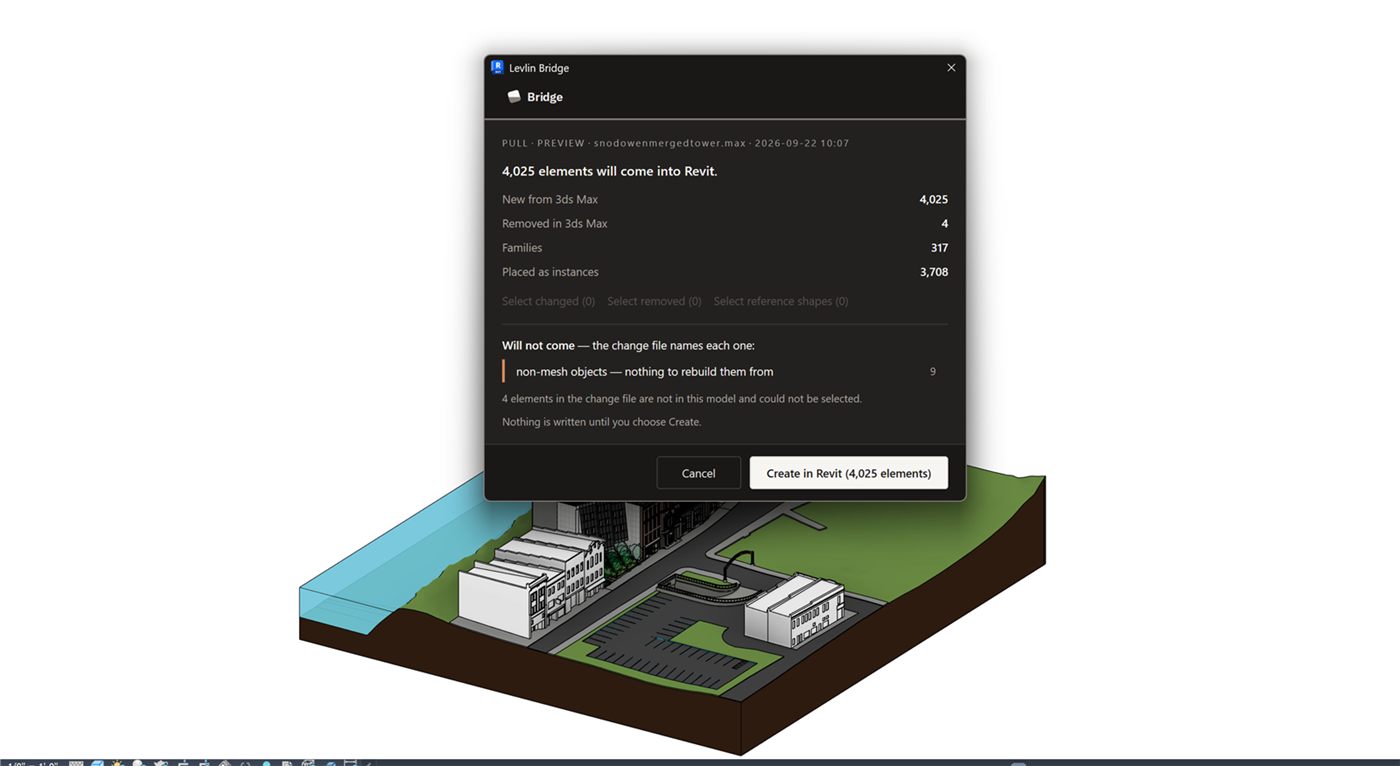
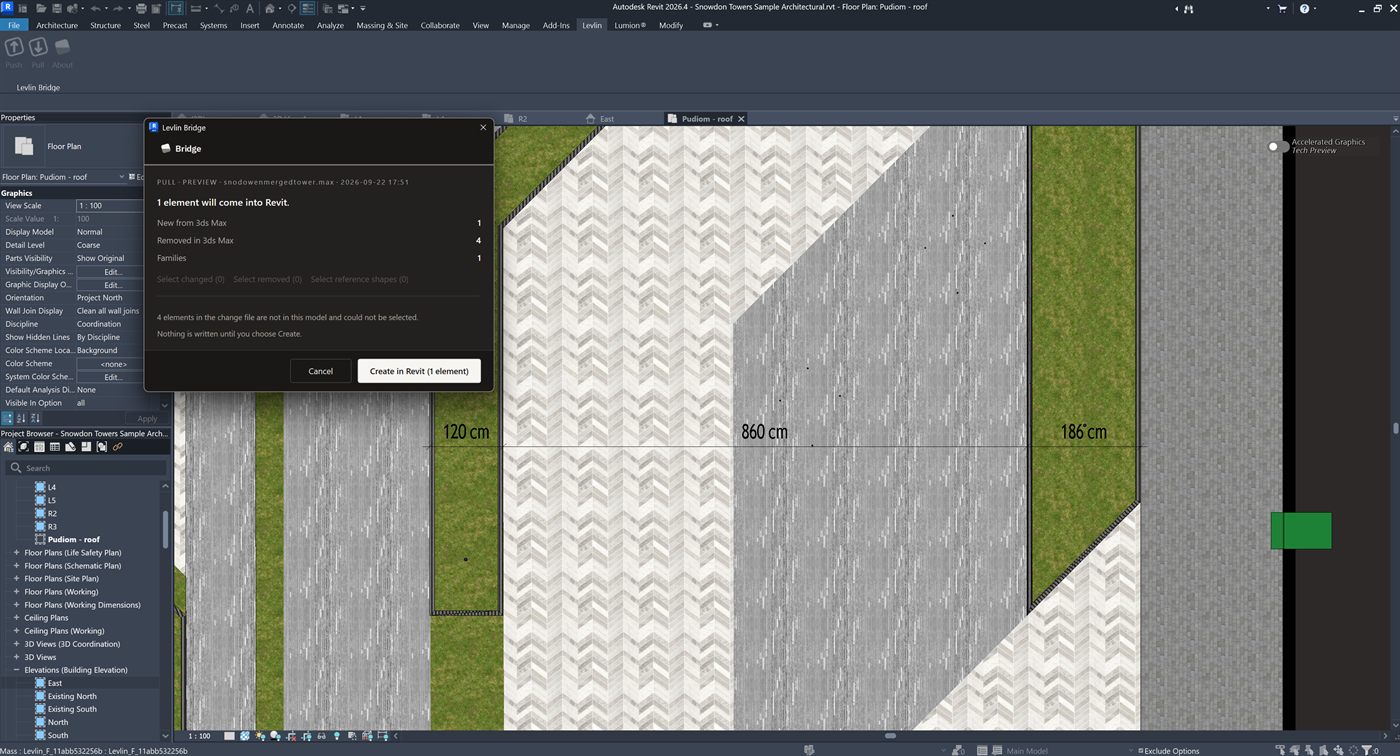
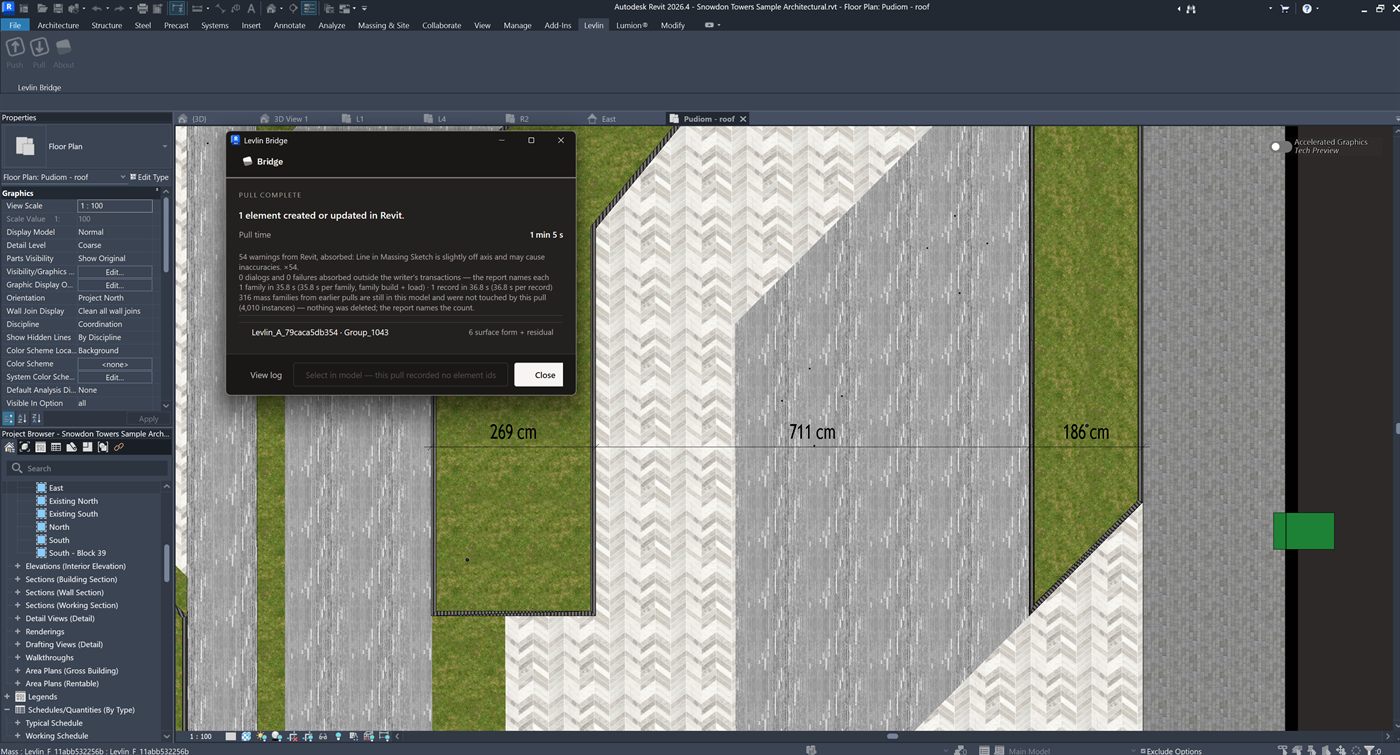
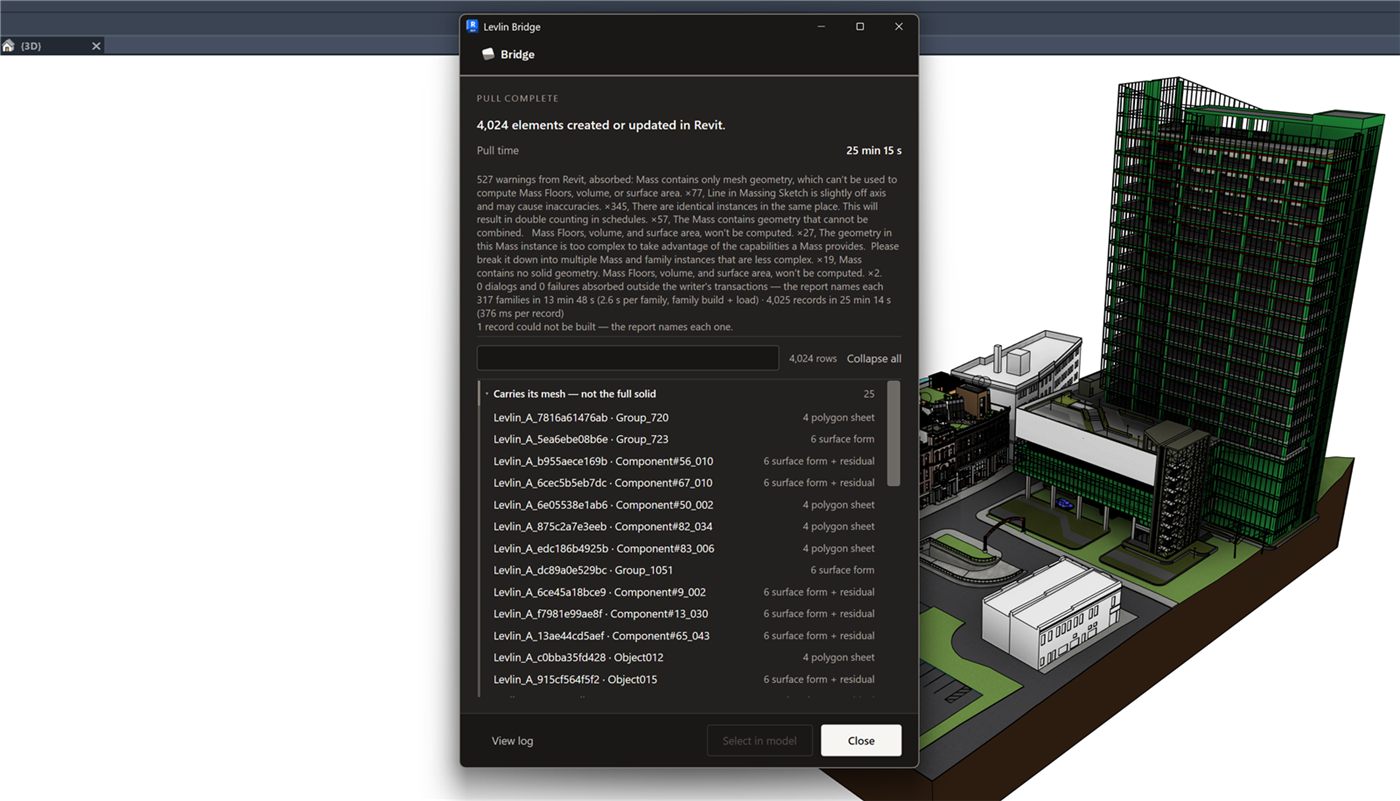
The same way the model reached you, in reverse. Push in 3ds Max writes a file; Pull in Revit reads it and builds the parts you changed as real elements — an editable conceptual mass carrying the material it had in 3ds Max, solid where the geometry closes and buildable surfaces where it does not. It lands beside your BIM elements, never on top of them, and it lands only when a modeller pulls it: a push cannot reach into anyone else’s session.
Do copies in 3ds Max come back as one family?
Yes. Geometry that repeats in 3ds Max returns to Revit as a single mass family with its copies placed from it. Editing the family updates every placement at once, and the Revit file stays lighter than it would with one family per copy.
What about trees and planting?
Dense planting is the one case that does not return as a mass on its own. It comes back as a DirectShape grounded in a mass family, with reference lines so it can still be dimensioned, positioned and measured — there so the team can number, describe and quantify planting later if they want to.
Do my Revit and Max versions have to match?
No. Any supported Revit works with any supported Max, in any of the 24 combinations — Revit 2022 pushes to Max 2027, Revit 2027 pushes to Max 2024, and upgrading one never forces you to upgrade the other. A full FBX re-export gives you the same version freedom; the difference is that it rebuilds your scene every time, and Levlin Bridge keeps it.
Which versions are supported?
Revit 2022 through 2027, and 3ds Max 2024 through 2027. Updates track new releases across the full matrix.
How does licensing work?
One seat, one computer at a time: activate the key on another computer and the seat moves there. $20 per seat per month, $15 per seat from five seats, and $12.50 per seat from ten. Billed through a Merchant of Record. One price worldwide.
What happens to my scenes if I stop subscribing?
Every .max file you built stays yours and stays fully editable. Levlin Bridge simply stops bringing new changes in — nothing is locked, nothing expires inside your scene.
Windows shows a warning when I install. Why?
New installers have no reputation history with SmartScreen yet. Every build ships with its VirusTotal scan and SHA-256 published — verify before you run it.